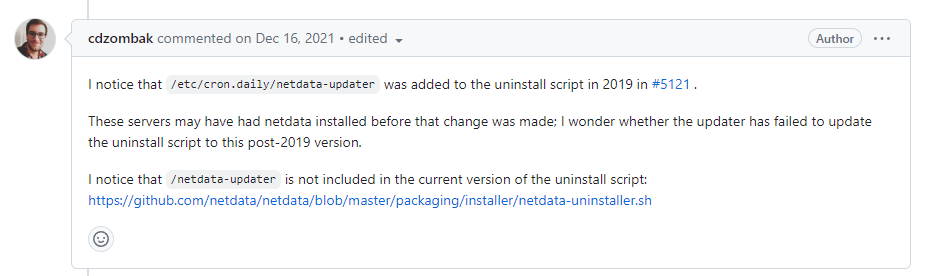
在netdata的GitHub找到的,百度搜索根本搜不到。
⭕ 原文:
I notice that /etc/cron.daily/netdata-updater was added to the uninstall script in 2019 in #5121 .

These servers may have had netdata installed before that change was made; I wonder whether the updater has failed to update the uninstall script to this post-2019 version.

I notice that /netdata-updater is not included in the current version of the uninstall script: https://github.com/netdata/netdata/blob/master/packaging/installer/netdata-uninstaller.sh
在Linux上使用wget下载netdata-uninstaller.sh脚本,然后用chmod +x netdata-uninstaller.sh,最后使用执行文件。netdata就可以卸载了。
❌ 卸载原因是根本用不到,还占用服务器资源。

小程序

微信赞赏

支付宝赞赏


暂无评论
要发表评论,您必须先 登录