AI摘要
首次安装AdGuardHome时需访问指定地址完成配置,添加Yhosts、neohosts和StevenBlack等过滤器规则提升拦截效果。
一、安装
访问:https://github.com/AdguardTeam/AdGuardHome/releases
下载安装文件
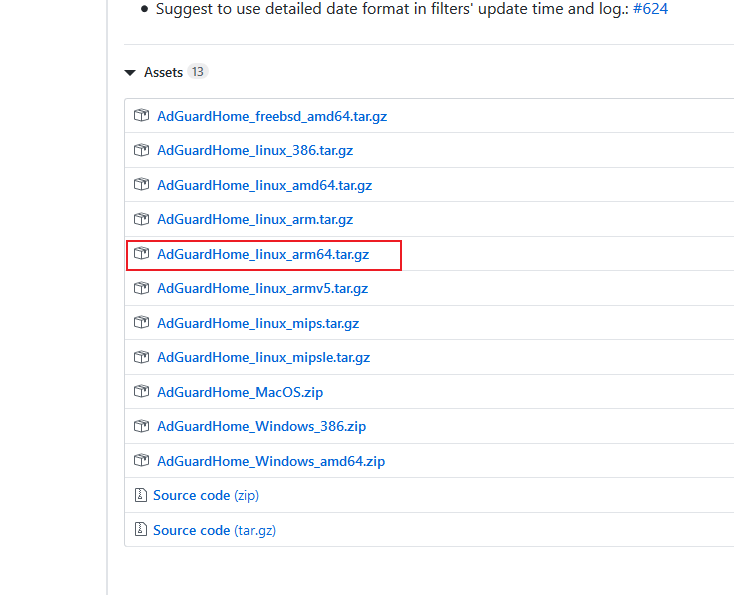
进入AdGuardHome文件目录
./AdGuardHome 结果
root@saiita-desktop:/home/saiita/AdGuardHome# ./AdGuardHome
2020/04/17 20:42:58 [error] Couldn't read config file /home/saiita/AdGuardHome/AdGuardHome.yaml: open /home/saiita/AdGuardHome/AdGuardHome.yaml: no such file or directory
2020/04/17 20:42:58 [info] AdGuard Home, version v0.101.0, channel release
, arch linux arm64 v6%!(EXTRA string=6)
2020/04/17 20:42:58 [info] This is the first launch of AdGuard Home, redirecting everything to /install.html
2020/04/17 20:42:58 [info] AdGuard Home is available on the following addresses:
2020/04/17 20:42:58 [info] Go to http://127.0.0.1:3000
2020/04/17 20:42:58 [info] Go to http://192.168.31.242:3000
2020/04/17 20:43:13 [info] command /bin/grep has failed: exit status 1 code:1
二、配置
登陆http://192.168.31.242:3000,
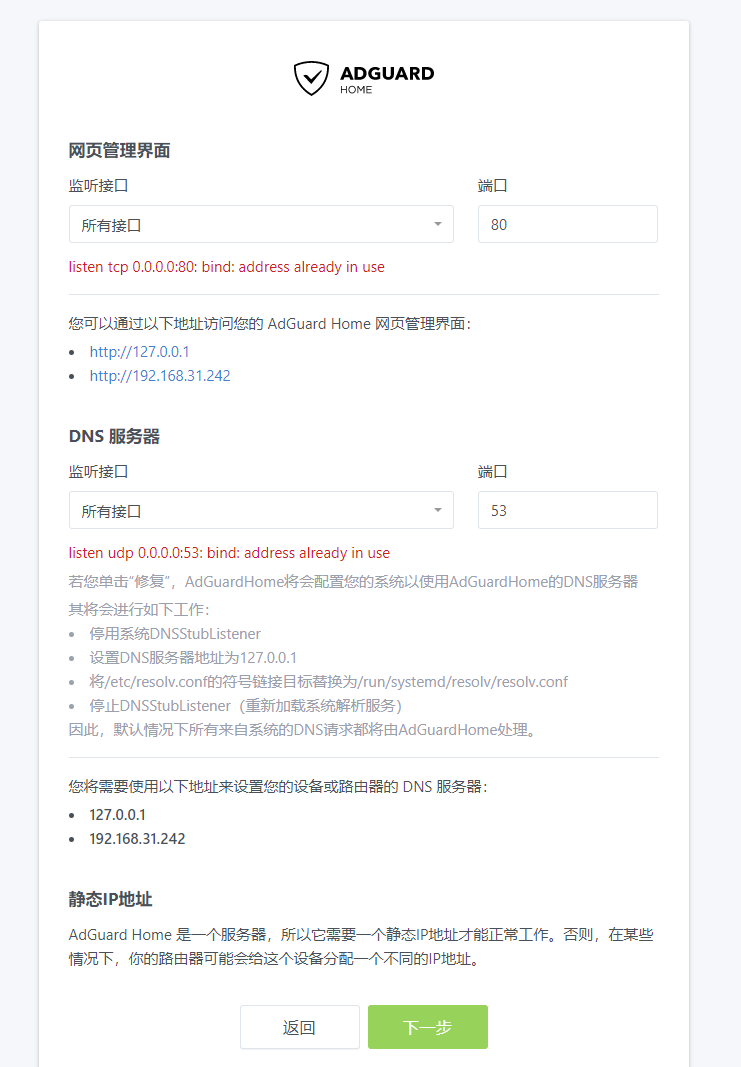
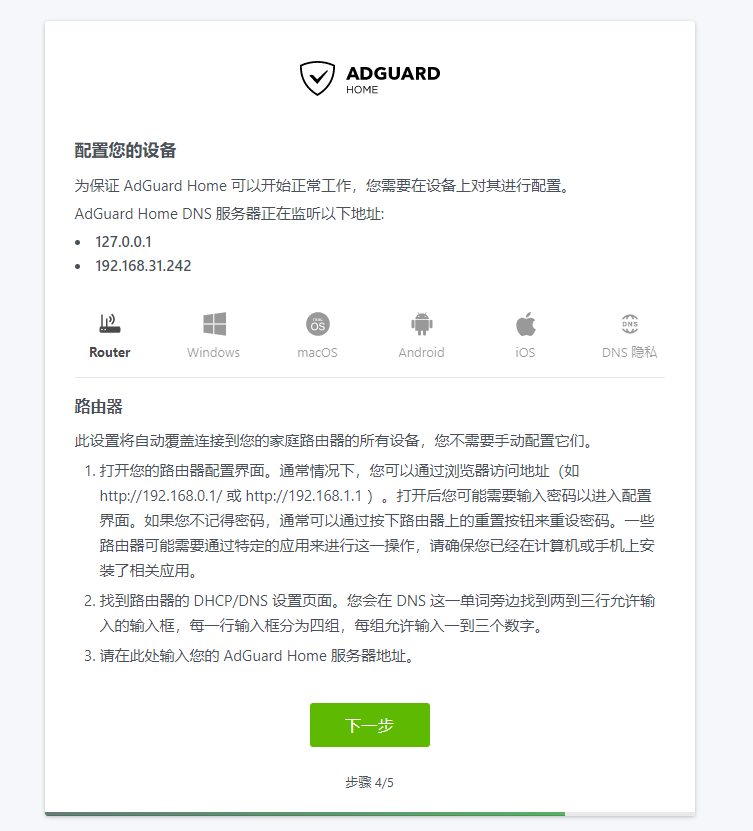
三、添加过滤器规则
国内:
Yhosts:
https://github.com/vokins/yhosts
neohosts:
https://github.com/neoFelhz/neohosts
国外:
StevenBlack
https://github.com/StevenBlack/hosts
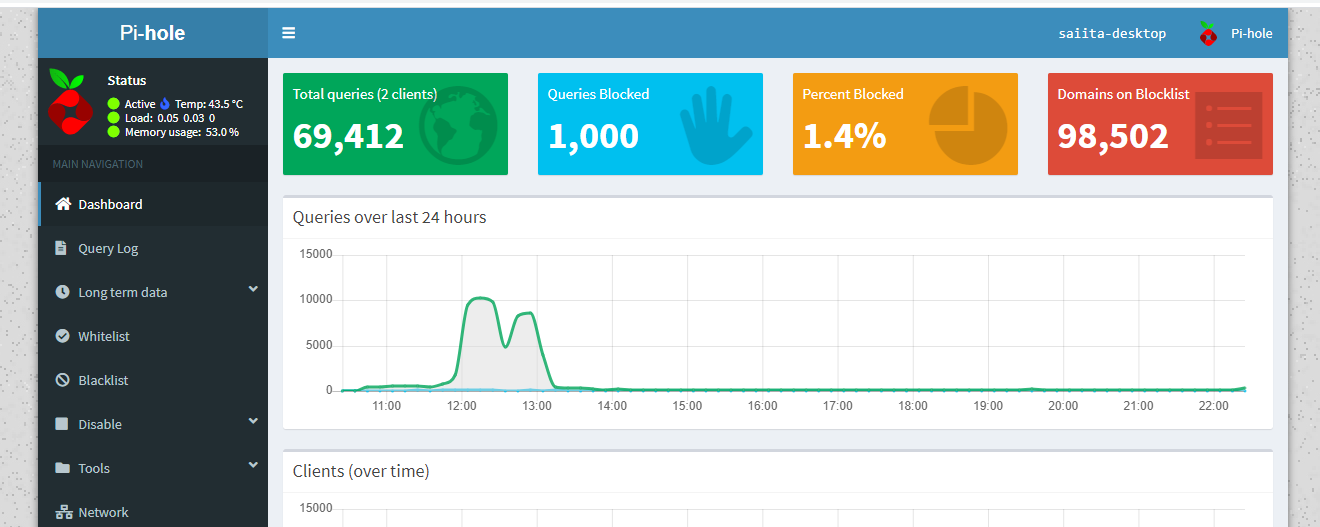
过滤效果
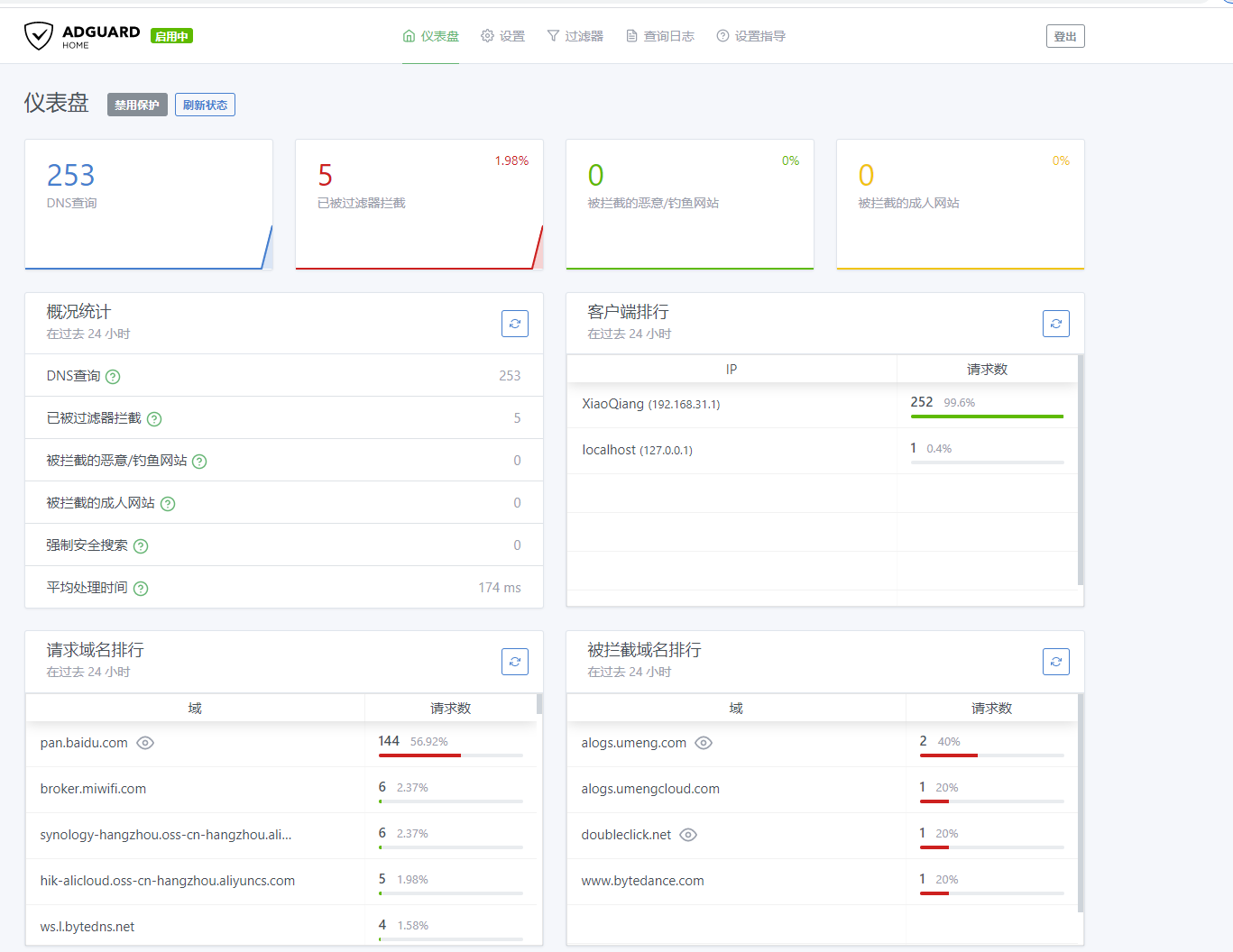




暂无评论
要发表评论,您必须先 登录